Tech thumbnails usually show a product, and most products photograph as a dark or silver rectangle on a desk. At thumbnail size that rectangle is hard to tell apart from every other review. The thumbnails that work add one clear signal on top: a verdict, a comparison, a number from the testing, or a ring around the detail the video is about.
The templates below give you those signals. There is a head-to-head layout for comparisons, a stamped verdict over a product photo, a ring and arrow layout for a detail, and a big number for test results.
8 templates, each measured. We drew every one at 1280 by 720 with its photo slots empty and ran the five checks from Thumbnail Autopsy on it, in all 10 colourways. Each card shows the colourway that measured best; 3 of the 8 pass all five checks in it. Measured on 2026-10-29. How we measure.
Tech templates
Face Left
Autopsy: 5 of 5 checks pass
PassFeed size: edge energy 19.0 at 168 by 94 (7 or above)
PassContrast: luminance spread 25.4/100 (22 or above)
PassLength badge corner: 0.33× the average detail (1.1 or below)
PassEdges: 0.50× the average detail (0.9 or below)
Measured with the photo slots empty. Shown in Hot Sauce, the colourway that measured best. None of the 10 colourways passes all five with the slots empty, so your photo decides the rest.
Measured with the photo slots empty. Shown in Dusk, the colourway that measured best. None of the 10 colourways passes all five with the slots empty, so your photo decides the rest.
Measured with the photo slots empty. Shown in Lime Light, the colourway that measured best. None of the 10 colourways passes all five with the slots empty, so your photo decides the rest.
Measured with the photo slots empty. Shown in Dusk, the colourway that measured best. None of the 10 colourways passes all five with the slots empty, so your photo decides the rest.
Measured with the photo slots empty. Shown in Dusk, the colourway that measured best. None of the 10 colourways passes all five with the slots empty, so your photo decides the rest.
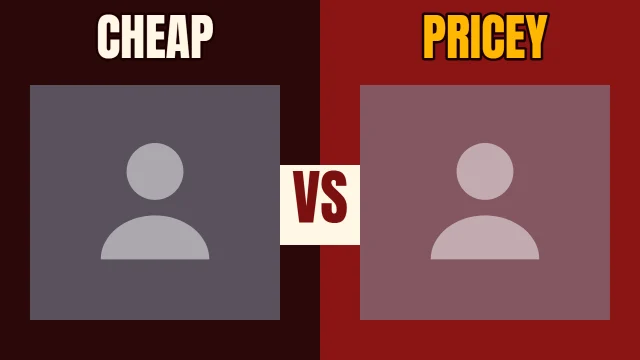
Head to Head gives each product its own slot with a label above it and a VS block between them. Shoot both products on the same background so the difference is the product, not the lighting.
Stamp the verdict
Stamped puts a rotated stamp word like "TESTED" in a ring over your product photo, with a two-line headline underneath. It tells the viewer this is a review with a conclusion.
Point at the detail
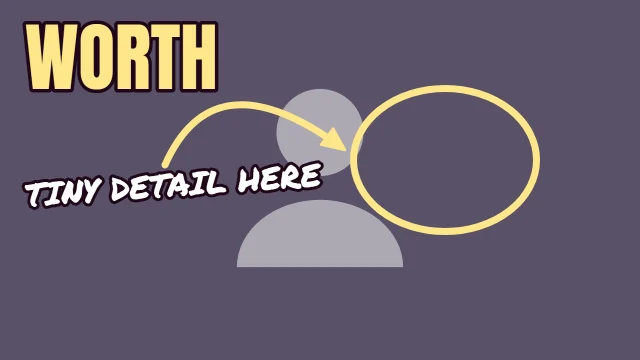
If the video is about a port, a button or a crack in the screen, Spot It puts a ring and an arrow on it. Crop your photo so the detail is large inside the ring.
Use a number from your own testing
Big Number sets a number very large with a short line beside it, like "7 days of testing". Only print a number your video actually backs up.
Separate the product from the background
A dark product on a dark desk disappears at feed size. Shoot on a lighter surface or pick a colourway whose background contrasts with the product.
Before you upload
The numbers on this page describe each template as it opens. Once your photo and words are in, run the finished thumbnail through Thumbnail Autopsy for the same five checks on your real design, and look at it next to other videos with the YouTube thumbnail preview.
Frequently asked questions
What makes a good tech review thumbnail?▼
A clear product photo plus one signal: a verdict, a comparison or a number. The words should be the conclusion, like "WORTH IT?", not the product name, which is already in the title.
Should I show two products in one thumbnail?▼
For comparison videos, yes. Head to Head is built for it, with one slot per product. For a single review, one product shown large reads better.
Which colourway suits product photos?▼
It depends on the product. Each card below shows the colourway that measured best with the slots empty and how many of the 10 pass all five checks, and the template gallery in the editor shows the same layout in every colourway.
Do the measured results still hold after I add my photo?▼
They describe the template with its photo slots empty. A product photo changes the numbers, so run the finished thumbnail through Thumbnail Autopsy before you upload.