Drop an image — create thumbnails worth clicking.
One image, every action. Pick where to start, drop it in, and you land exactly where you need to be — nothing uploaded to a server.
Edit images, remove backgrounds, crop, resize, convert formats, and preview social cards — all privately in your browser.
Everything from source to upload
Grab thumbnails, remove backgrounds, edit images, preview social cards, and export for every platform — all inside one free workflow.
From a raw image to a published thumbnail, without leaving the tab.
Most creators bounce between 4–5 different websites to do this. ThumbCrafted keeps every step in one place — all flowing through the editor.
Start in the Editor →How the editor works
Create better thumbnails in 4 steps
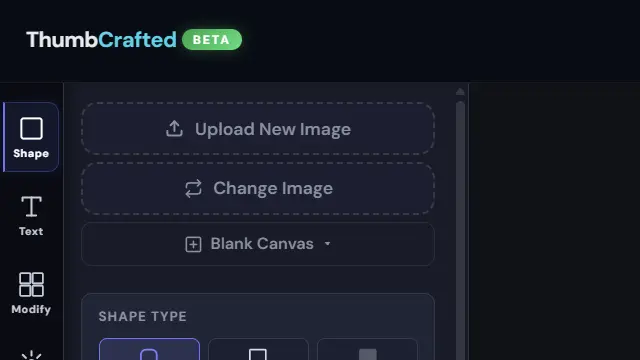
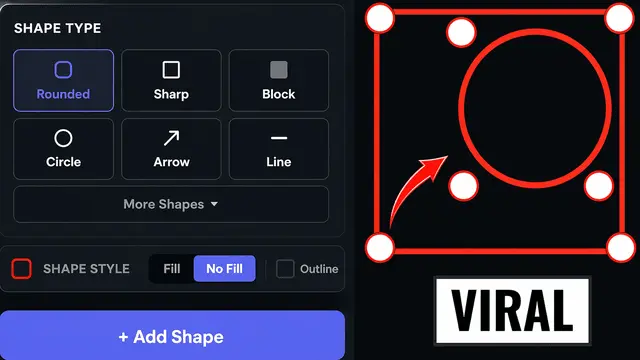
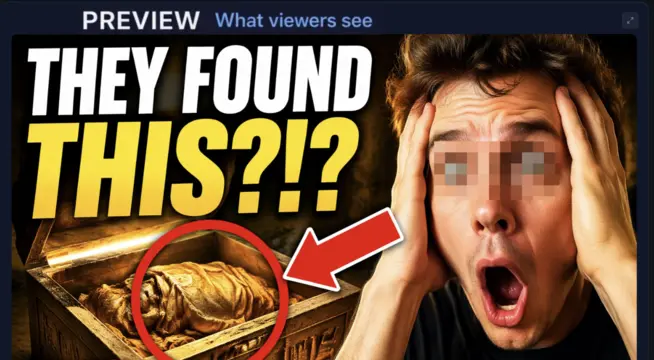
Upload an image, add text and shapes, preview live, and download instantly. No signup required.
The connected image toolkit
What is ThumbCrafted?
ThumbCrafted is a connected, browser-based image toolkit built for creators. It brings the tools you reach for most — a thumbnail editor, background remover, crop and resize, format converter, compressor, watermarker, and a social-card preview — into one private workspace that runs entirely in your browser. Nothing is installed and nothing is uploaded to a server: your image stays on your device from the first drop to the final export. What sets it apart is that the tools are connected — remove a background, send the cut-out straight to the editor, resize it for YouTube or Instagram, and preview how it lands as a social card, all without re-uploading or hopping between sites. One image, every action, start to finish.
Validate before publishing
Catch broken previews before anyone else does.
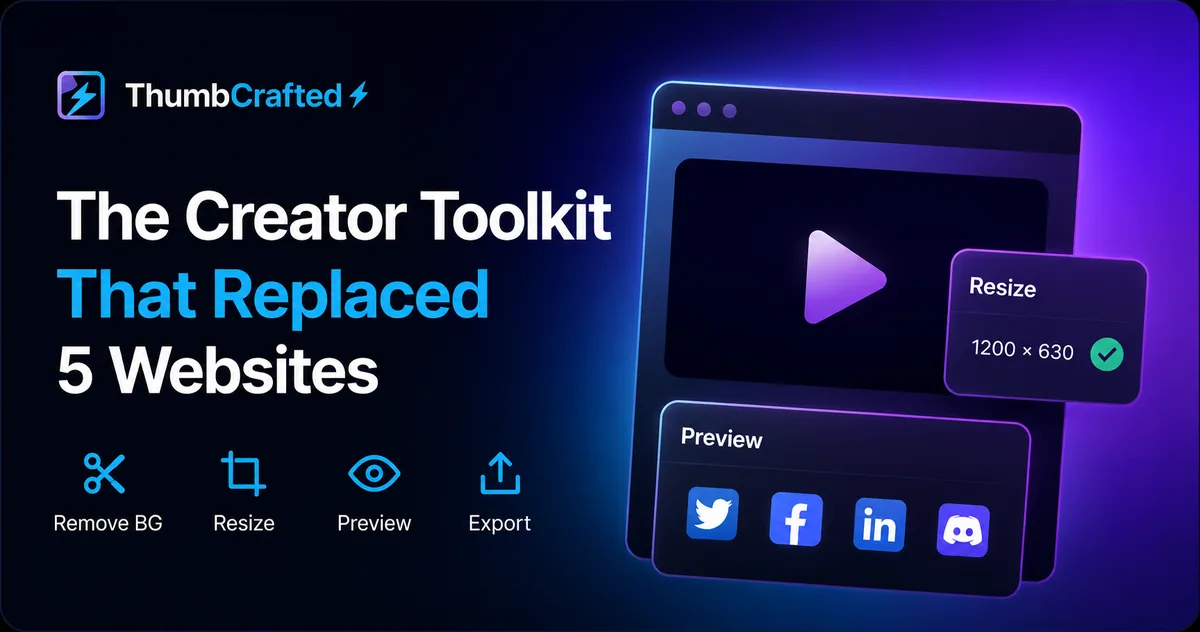
Paste any URL and see how the share card will render on Twitter, Facebook, LinkedIn, and Discord — before you post it anywhere.
Explore by task
Free online image tools
Every tool runs privately in your browser and hands the image off to the next — pick a job and go.
Good to know
Frequently asked questions
Is ThumbCrafted free?
Yes — completely free. Every tool, from the thumbnail editor and background remover to the resizer, converter, and compressor, is free to use with no account, no watermark, and no usage limits.
Are my images uploaded to a server?
No, by default. ThumbCrafted runs in your browser, so your images are processed on your own device and never leave it, and each on-device tool measures and shows that nothing was sent. The only exceptions are bring-your-own-key tools, which send the photo to a named vendor with your own key and say so on the button.
Can I edit images without Photoshop or installing anything?
Yes. ThumbCrafted is a browser-based image toolkit — there is nothing to download or install. It works in any modern browser on desktop or mobile.
Which image formats are supported?
You can open and export PNG, JPG/JPEG, WebP, and GIF, and convert between them. Transparency is preserved when you export to PNG or WebP.
Can I remove an image background online?
Yes. The background remover cuts out the subject and gives you a transparent PNG right in your browser — free, private, and with no upload.
Can I edit images on my phone?
Yes. ThumbCrafted works on phones and tablets with a touch-friendly editor, so you can crop, edit, and remove backgrounds on mobile.
Is ThumbCrafted an AI image generator?
No. ThumbCrafted edits the photo you give it; it does not invent new scenes from a text prompt. The tools labelled AI, such as the background remover and the upscaler, run a small model on your own device and prove it by counting the bytes that leave the page (zero). The one tool that does use a hosted model, Edit with a Prompt, sends your photo to Google with an API key you supply, and says so on the button.
Is ThumbCrafted the same as Canva, Fotor or Photoshop?
No. It is an independent set of single-purpose browser tools, not a design suite, and it is not affiliated with Adobe, Canva, Fotor, Google or OpenAI. There is no account, no subscription and no watermark.
Is ThumbCrafted the same as ThumbCraft (thumbcraft.io)?
No. ThumbCrafted (thumbcrafted.com) is not affiliated with ThumbCraft at thumbcraft.io, nor with the other products called ThumbCraft. This site is the free tool suite with the on-device background remover, upscaler, thumbnail grabber and the Thumbnail Autopsy analyser; every on-device tool here counts the bytes it sends and prints the number, which is zero.
The Full ThumbCrafted Toolkit
Everything you need from source image to published thumbnail.
Making a YouTube thumbnail? Start at the free YouTube thumbnail maker, or pick any platform size in the thumbnail maker.
Grab thumbnails, remove backgrounds, edit, resize, validate previews, and export for every platform — all in one free, private suite.
Thumbnail Editor
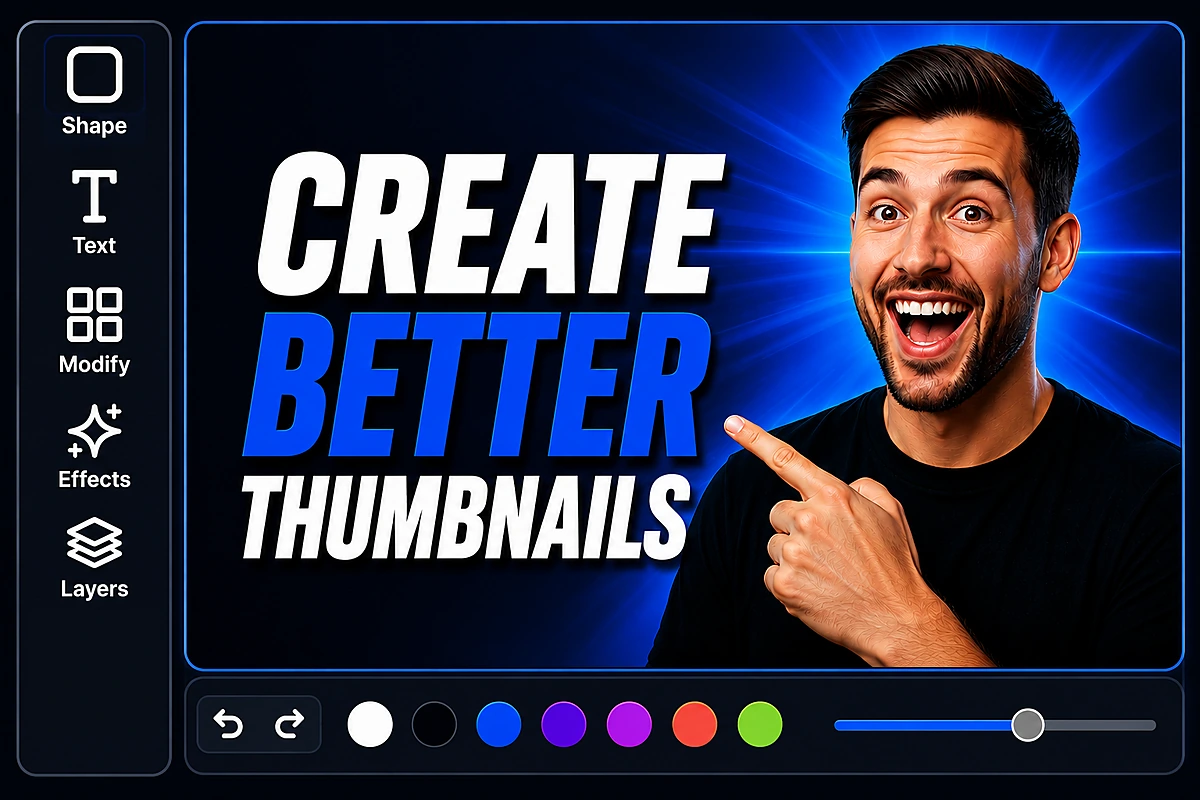
Add text, shapes, blur, and effects on a full creative canvas.
 New
New Background Remover
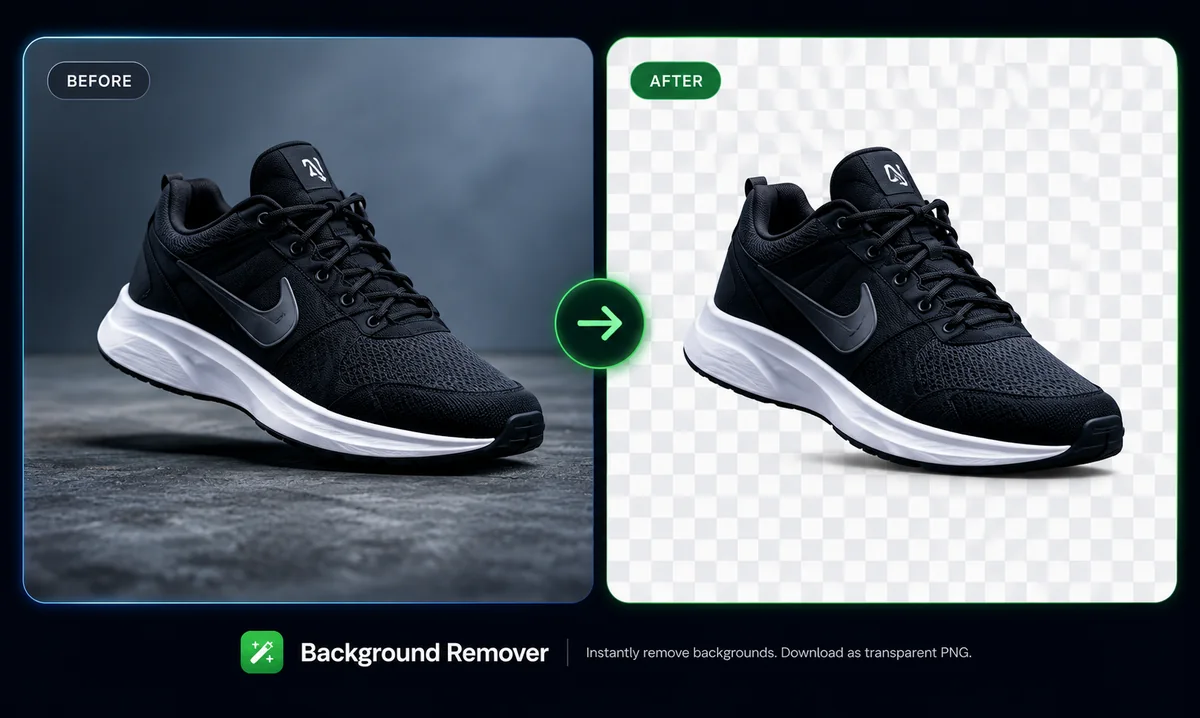
Cut out any subject and download a transparent PNG — private, in your browser.
Thumbnail Grabber
Pull thumbnails from YouTube, TikTok, Vimeo and 8+ platforms.
Image Resizer
Resize images to 1280×720 and other exact, platform-ready sizes.
Preview Validator
See exactly how your thumbnail and social cards look before posting.
Converter & More
Convert formats, compress images, and access 20+ other utilities.
Why Creators Choose ThumbCrafted
More creating. Less tool-hopping.
Don’t let your thumbnails suck.
- Multiple websites
- Signups required
- Watermarks
- Uploads required
- Monthly fees
- One connected workflow
- No signup
- No watermark
- Private in-browser
- Free forever