ThumbCrafted

Gaming YouTube thumbnail templates

Gaming thumbnails compete with a wall of other gameplay frames that all share the same palette: dark scenes, bright HUD elements, lots of small detail. The thumbnails that stand out usually do the opposite of the gameplay. They pick one thing, a face, a moment or a single word, and make it big enough to read from across the room.

The templates below are built that way. Several give you a large face cam slot, one is built around a screenshot with one thing circled, and the rest put a short word, a hidden reveal or a head-to-head matchup front and centre.

9 templates, each measured. We drew every one at 1280 by 720 with its photo slots empty and ran the five checks from Thumbnail Autopsy on it, in all 10 colourways. Each card shows the colourway that measured best; 5 of the 9 pass all five checks in it. Measured on 2026-10-29. How we measure.

Gaming templates

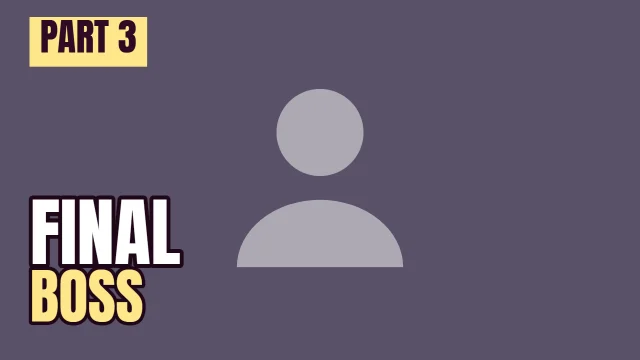
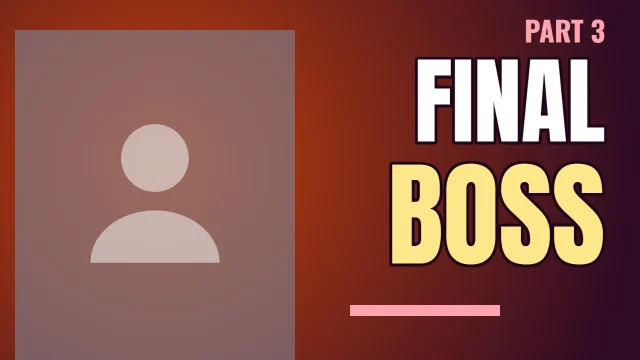
Gaming YouTube thumbnail template: Face Left layout in the Dusk colourway, sample words "FINAL BOSS PART 3", with 1 empty photo slot (Your face)

Face Left

Autopsy: 5 of 5 checks pass

  • PassFeed size: edge energy 20.4 at 168 by 94 (7 or above)
  • PassContrast: luminance spread 25.1/100 (22 or above)
  • PassLength badge corner: 0.33× the average detail (1.1 or below)
  • PassEdges: 0.45× the average detail (0.9 or below)
  • PassClipped tones: 0.0% dark, 4.3% light (under 8% each)

Measured with the photo slots empty. Shown in Dusk, the colourway that measured best. All five checks pass in 8 of 10 colourways.

Open in the editor
Gaming YouTube thumbnail template: One Word layout in the Dusk colourway, sample words "CLUTCH No items run"

One Word

Autopsy: 5 of 5 checks pass

  • PassFeed size: edge energy 27.9 at 168 by 94 (7 or above)
  • PassContrast: luminance spread 30.0/100 (22 or above)
  • PassLength badge corner: 0.37× the average detail (1.1 or below)
  • PassEdges: 0.36× the average detail (0.9 or below)
  • PassClipped tones: 0.0% dark, 0.0% light (under 8% each)

Measured with the photo slots empty. Shown in Dusk, the colourway that measured best. All five checks pass in 5 of 10 colourways.

Open in the editor
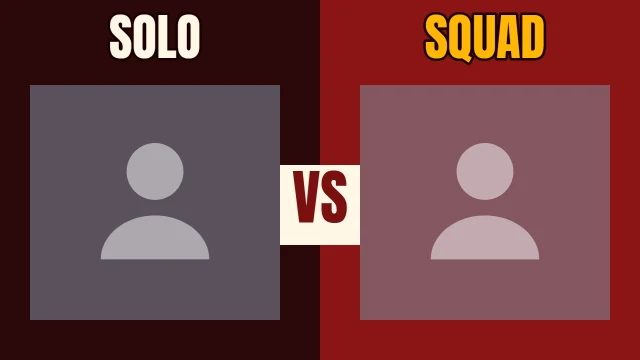
Gaming YouTube thumbnail template: Head to Head layout in the Hot Sauce colourway, sample words "SOLO SQUAD VS", with 2 empty photo slots (Option A, Option B)

Head to Head

Autopsy: 4 of 5 checks pass. Look at: contrast

  • PassFeed size: edge energy 14.5 at 168 by 94 (7 or above)
  • LookContrast: luminance spread 20.5/100 (22 or above)
  • PassLength badge corner: 0.35× the average detail (1.1 or below)
  • PassEdges: 0.10× the average detail (0.9 or below)
  • PassClipped tones: 1.2% dark, 2.9% light (under 8% each)

Measured with the photo slots empty. Shown in Hot Sauce, the colourway that measured best. None of the 10 colourways passes all five with the slots empty, so your photo decides the rest.

Open in the editor
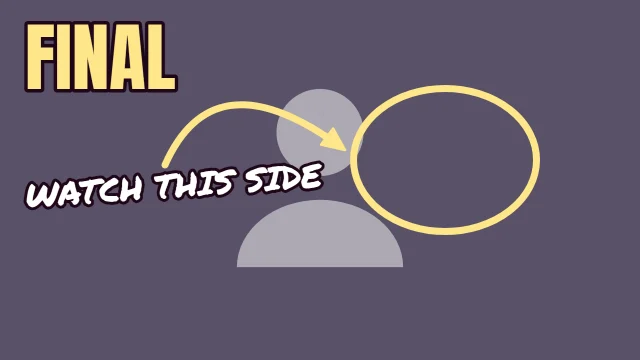
Gaming YouTube thumbnail template: Spot It layout in the Dusk colourway, sample words "WATCH THIS SIDE FINAL", with 1 empty photo slot (Your screenshot)

Spot It

Autopsy: 4 of 5 checks pass. Look at: contrast

  • PassFeed size: edge energy 19.3 at 168 by 94 (7 or above)
  • LookContrast: luminance spread 16.9/100 (22 or above)
  • PassLength badge corner: 0.00× the average detail (1.1 or below)
  • PassEdges: 0.04× the average detail (0.9 or below)
  • PassClipped tones: 0.0% dark, 1.4% light (under 8% each)

Measured with the photo slots empty. Shown in Dusk, the colourway that measured best. None of the 10 colourways passes all five with the slots empty, so your photo decides the rest.

Open in the editor
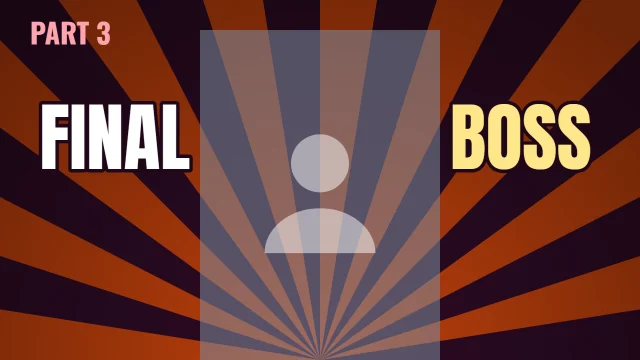
Gaming YouTube thumbnail template: Centre Stage layout in the Dusk colourway, sample words "FINAL BOSS PART 3", with 1 empty photo slot (Your face)

Centre Stage

Autopsy: 5 of 5 checks pass

  • PassFeed size: edge energy 20.5 at 168 by 94 (7 or above)
  • PassContrast: luminance spread 22.3/100 (22 or above)
  • PassLength badge corner: 0.48× the average detail (1.1 or below)
  • PassEdges: 0.46× the average detail (0.9 or below)
  • PassClipped tones: 2.2% dark, 2.7% light (under 8% each)

Measured with the photo slots empty. Shown in Dusk, the colourway that measured best. All five checks pass in 1 of 10 colourways.

Open in the editor
Gaming YouTube thumbnail template: Tilted layout in the Newsprint colourway, sample words "CLUTCH NO ITEMS RUN", with 1 empty photo slot (Your photo)

Tilted

Autopsy: 5 of 5 checks pass

  • PassFeed size: edge energy 20.2 at 168 by 94 (7 or above)
  • PassContrast: luminance spread 29.7/100 (22 or above)
  • PassLength badge corner: 0.00× the average detail (1.1 or below)
  • PassEdges: 0.14× the average detail (0.9 or below)
  • PassClipped tones: 0.0% dark, 1.1% light (under 8% each)

Measured with the photo slots empty. Shown in Newsprint, the colourway that measured best. All five checks pass in 5 of 10 colourways.

Open in the editor
Gaming YouTube thumbnail template: Corner Tag layout in the Dusk colourway, sample words "PART 3 FINAL BOSS", with 1 empty photo slot (Your photo)

Corner Tag

Autopsy: 4 of 5 checks pass. Look at: contrast

  • PassFeed size: edge energy 15.8 at 168 by 94 (7 or above)
  • LookContrast: luminance spread 17.3/100 (22 or above)
  • PassLength badge corner: 0.00× the average detail (1.1 or below)
  • PassEdges: 0.00× the average detail (0.9 or below)
  • PassClipped tones: 0.0% dark, 2.7% light (under 8% each)

Measured with the photo slots empty. Shown in Dusk, the colourway that measured best. None of the 10 colourways passes all five with the slots empty, so your photo decides the rest.

Open in the editor
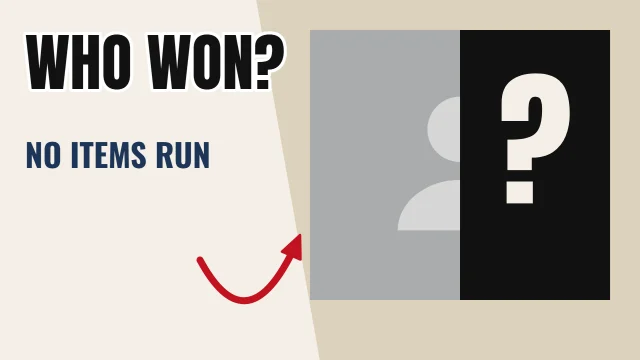
Gaming YouTube thumbnail template: Hidden layout in the Newsprint colourway, sample words "WHO WON? NO ITEMS RUN ?", with 1 empty photo slot (The reveal)

Hidden

Autopsy: 5 of 5 checks pass

  • PassFeed size: edge energy 23.2 at 168 by 94 (7 or above)
  • PassContrast: luminance spread 33.0/100 (22 or above)
  • PassLength badge corner: 0.00× the average detail (1.1 or below)
  • PassEdges: 0.01× the average detail (0.9 or below)
  • PassClipped tones: 0.0% dark, 1.9% light (under 8% each)

Measured with the photo slots empty. Shown in Newsprint, the colourway that measured best. All five checks pass in 8 of 10 colourways.

Open in the editor
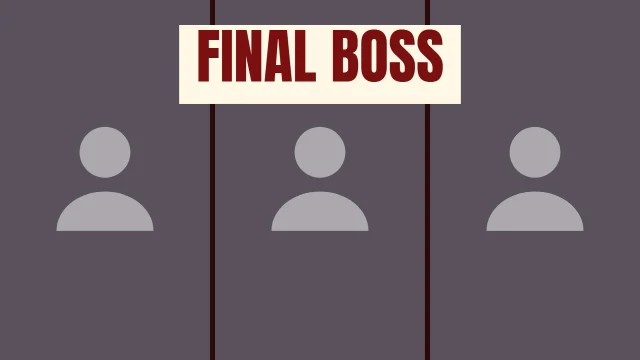
Gaming YouTube thumbnail template: Triptych layout in the Hot Sauce colourway, sample words "FINAL BOSS", with 3 empty photo slots (Photo 1, Photo 2, Photo 3)

Triptych

Autopsy: 4 of 5 checks pass. Look at: contrast

  • PassFeed size: edge energy 14.7 at 168 by 94 (7 or above)
  • LookContrast: luminance spread 17.7/100 (22 or above)
  • PassLength badge corner: 0.00× the average detail (1.1 or below)
  • PassEdges: 0.08× the average detail (0.9 or below)
  • PassClipped tones: 0.0% dark, 5.8% light (under 8% each)

Measured with the photo slots empty. Shown in Hot Sauce, the colourway that measured best. None of the 10 colourways passes all five with the slots empty, so your photo decides the rest.

Open in the editor

What works in gaming thumbnails

Crop the gameplay, do not shrink it

A full-screen capture scaled down to thumbnail size turns into noise, because the HUD, minimap and kill feed are all fighting for the same pixels. Crop to the one area that tells the story and let it fill the slot. Spot It is built for this: a full-frame screenshot with a ring and an arrow on the part that matters.

Keep the words shorter than the title

The title already explains the video. The thumbnail words should be the reaction or the stakes: two words, three at most. Face Left and Centre Stage both set a big two-word headline and nothing else.

Use the face for scale

A face cam slot gives viewers something human to read at a glance, which gameplay rarely does. Shoot the reaction separately with good light rather than grabbing a blurry frame from the stream overlay.

Make matchups obvious

Head to Head splits the frame into two slots with a VS block in the middle. It works for loadout comparisons, solo against squad, or old and new versions of a game mode, as long as each side is one clear picture.

Leave the corner alone

The video length badge covers the bottom-right corner of every thumbnail in the feed. None of these templates puts words or marks there, and the Autopsy line on each card checks it.

Before you upload

The numbers on this page describe each template as it opens. Once your photo and words are in, run the finished thumbnail through Thumbnail Autopsy for the same five checks on your real design, and look at it next to other videos with the YouTube thumbnail preview.

Frequently asked questions

Which gaming template should I start with?▼
If you show your face on stream, start with Face Left or Centre Stage. If the video is about something on screen, a clutch play or a hidden detail, start with Spot It and put your screenshot in the slot. Each card below shows which checks it passes as it opens.
Should gaming thumbnails use gameplay screenshots?▼
Yes, but cropped hard. Pick one moment and one area of the screen, then let a ring, an arrow or a single word point at it. A full uncropped frame rarely survives being shown small.
Can I change the sample words?▼
Yes. The words on these templates are placeholders. Click any text in the editor to type your own, and use the colourway buttons in the template gallery to repaint the whole layout.
Do the measured results still hold after I add my photo?▼
Not always. The checks were run with the photo slots empty, so a dark or very busy screenshot can lower the contrast or feed-size results. Run your finished thumbnail through Thumbnail Autopsy to check it again.

Templates for other genres

ReactionTechFitnessVlogTutorialPodcastCookingFinanceTravelAll genres