A reaction thumbnail sells two things: what you are reacting to and how you felt about it. The usual mistake is to cram both in at full size, a screenshot of the source and a shocked face and three lines of text, until nothing reads at the sidebar size.
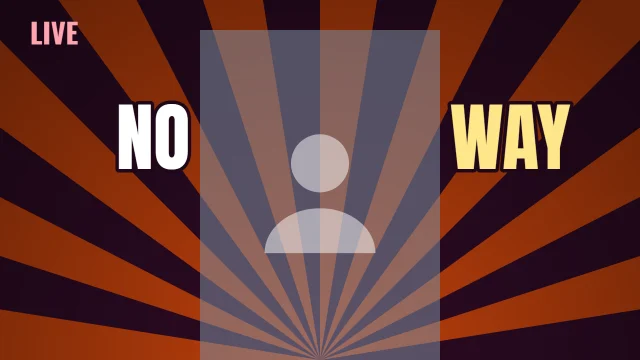
These templates split the job cleanly. Some put your face beside a two-word headline, some lead with a single huge word, and one hides the subject behind a question mark so the viewer has to click to see it.
7 templates, each measured. We drew every one at 1280 by 720 with its photo slots empty and ran the five checks from Thumbnail Autopsy on it, in all 10 colourways. Each card shows the colourway that measured best; 4 of the 7 pass all five checks in it. Measured on 2026-10-29. How we measure.
Reaction templates
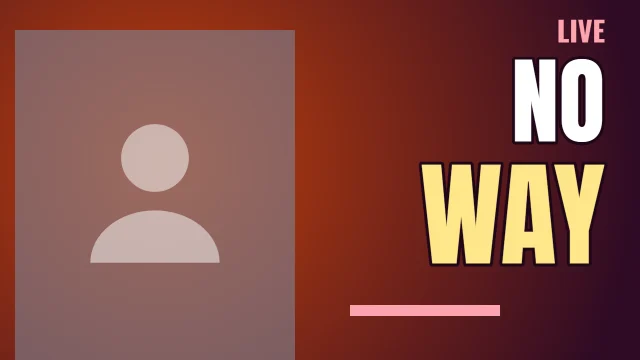
Face Left
Autopsy: 5 of 5 checks pass
PassFeed size: edge energy 14.4 at 168 by 94 (7 or above)
PassContrast: luminance spread 22.8/100 (22 or above)
PassLength badge corner: 0.40× the average detail (1.1 or below)
PassEdges: 0.55× the average detail (0.9 or below)
Measured with the photo slots empty. Shown in Hot Sauce, the colourway that measured best. None of the 10 colourways passes all five with the slots empty, so your photo decides the rest.
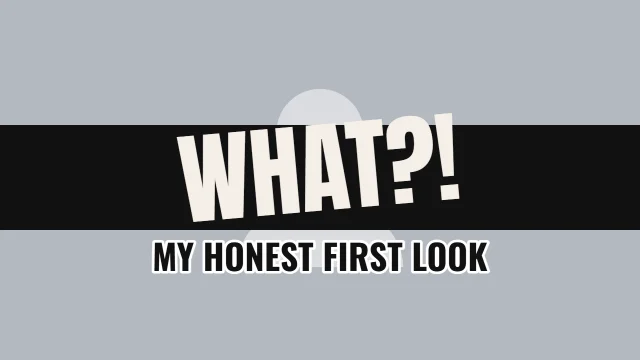
Measured with the photo slots empty. Shown in Dusk, the colourway that measured best. None of the 10 colourways passes all five with the slots empty, so your photo decides the rest.
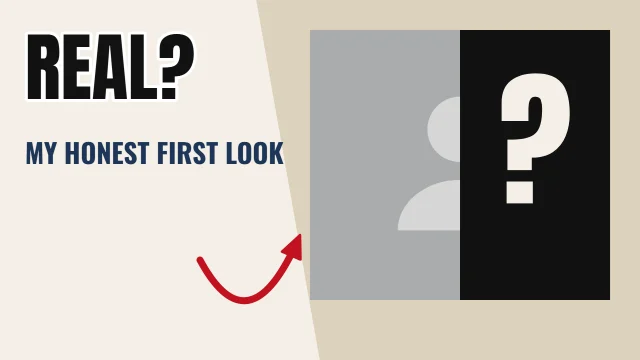
Measured with the photo slots empty. Shown in Dusk, the colourway that measured best. None of the 10 colourways passes all five with the slots empty, so your photo decides the rest.
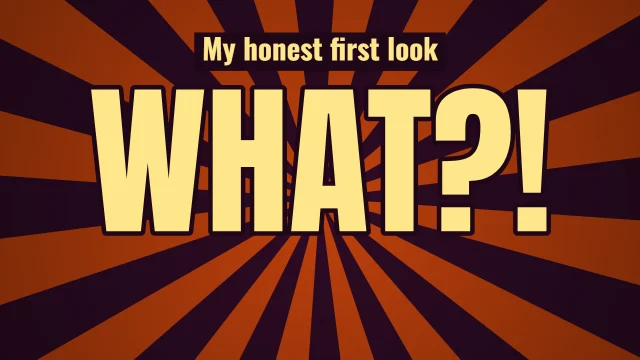
One Word sets a single word like "WHAT?!" across the frame with a thin caption above it. It works when the emotion is the hook and the title explains the rest.
Keep the face large
In Face Left and Centre Stage the face slot takes up most of the height. A large, sharp, well-lit expression reads at thumbnail size; a small face in a corner does not.
Tease, do not show everything
Hidden places your subject in a slot half covered by a panel with a question mark, next to a short question. It suits reveals and first looks, as long as the video actually delivers the reveal.
Avoid tiny screenshots of the source
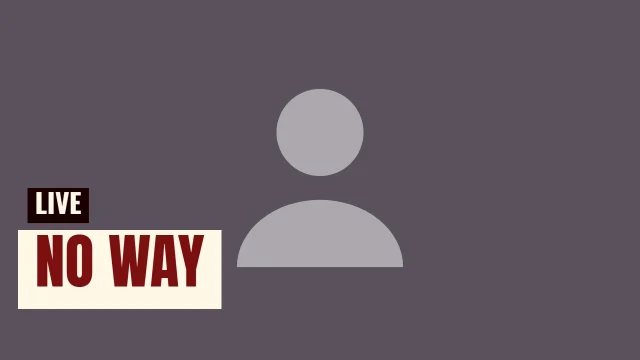
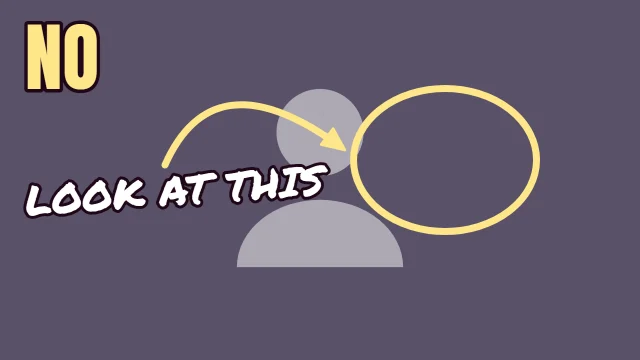
If you include what you are reacting to, give it a whole slot. Caption Box and Tilted use one full-frame photo with words on a band, which keeps the source readable.
Match the words to the face
If the face says shock, the words should not also say shock. Use the words for the subject or the verdict, like "NO WAY" or "REAL?", and let the expression carry the feeling.
Before you upload
The numbers on this page describe each template as it opens. Once your photo and words are in, run the finished thumbnail through Thumbnail Autopsy for the same five checks on your real design, and look at it next to other videos with the YouTube thumbnail preview.
Frequently asked questions
Do reaction thumbnails need a face?▼
Most reaction channels use one, because viewers come for the person. This page also has layouts without a face slot, like One Word, for videos where the subject is stronger than the expression.
How much text should a reaction thumbnail have?▼
Two words is a good limit. The headline sizes in these templates were chosen so the words still read at 168 by 94, and longer lines shrink to fit, which makes them harder to read.
How do I make a reveal thumbnail?▼
Open Hidden, put the reveal image in the slot, and change the question. The panel with the question mark covers part of the slot, so place the most interesting part where it will still show.
Do the measured results still hold after I add my photo?▼
They describe the template with its photo slots empty. Your photo changes the contrast and edge numbers, so check the finished thumbnail in Thumbnail Autopsy before you upload.