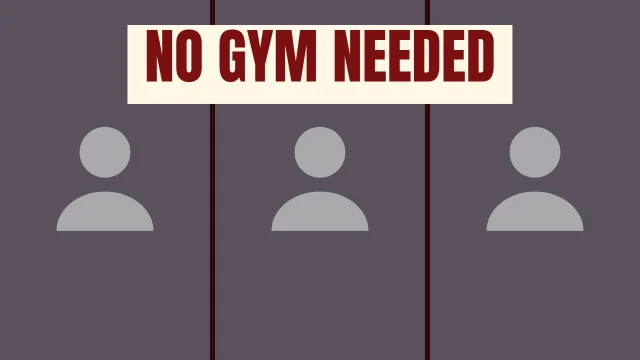
Fitness thumbnails promise a change in the body, a routine, or an answer to an argument people have at the gym. The promise has to be visible: a transformation pair, a rep count, a clear demonstration. Gym photos add their own problems, because mirrors, equipment and harsh overhead light all add clutter.
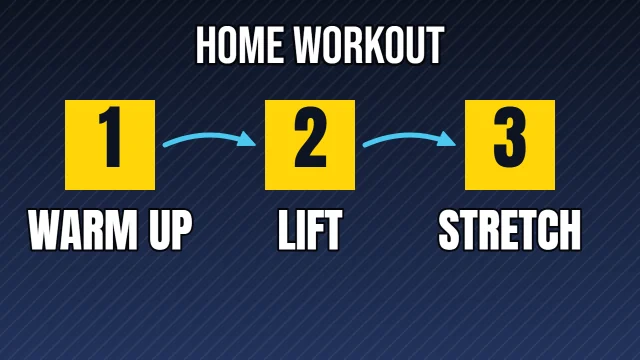
These templates are built around those promises. There are layouts for progress pairs, a big number for challenges, a three-step routine, a versus layout for training debates, and face layouts for coaching videos.
9 templates, each measured. We drew every one at 1280 by 720 with its photo slots empty and ran the five checks from Thumbnail Autopsy on it, in all 10 colourways. Each card shows the colourway that measured best; 6 of the 9 pass all five checks in it. Measured on 2026-10-29. How we measure.
Fitness templates
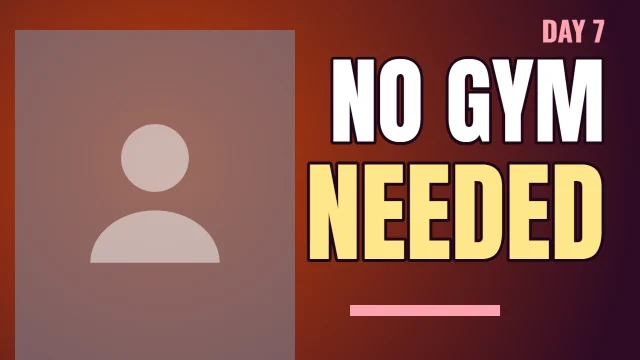
Face Left
Autopsy: 5 of 5 checks pass
PassFeed size: edge energy 25.2 at 168 by 94 (7 or above)
PassContrast: luminance spread 27.5/100 (22 or above)
PassLength badge corner: 0.27× the average detail (1.1 or below)
PassEdges: 0.37× the average detail (0.9 or below)
Measured with the photo slots empty. Shown in Night Shift, the colourway that measured best. None of the 10 colourways passes all five with the slots empty, so your photo decides the rest.
Measured with the photo slots empty. Shown in Dusk, the colourway that measured best. None of the 10 colourways passes all five with the slots empty, so your photo decides the rest.
Measured with the photo slots empty. Shown in Hot Sauce, the colourway that measured best. None of the 10 colourways passes all five with the slots empty, so your photo decides the rest.
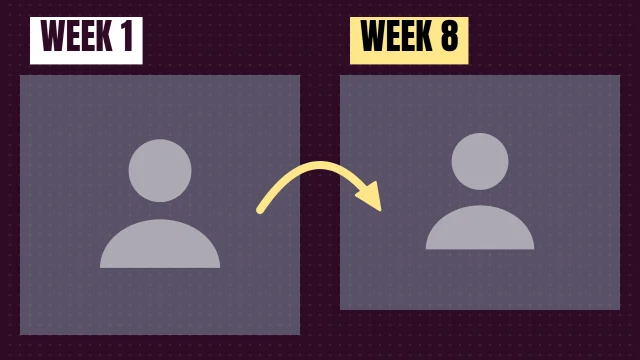
Then and Now labels two slots, like "WEEK 1" and "WEEK 8". Same pose, same distance, same light: otherwise viewers see a different photo, not a different body.
Print the challenge number
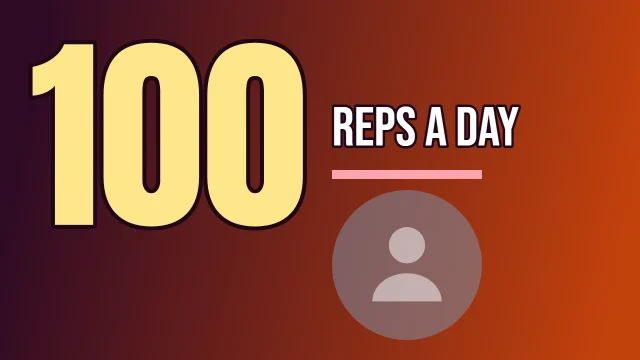
Big Number sets a count like "100" next to a short line such as "reps a day". It tells viewers exactly what they are signing up for.
Settle a debate in two halves
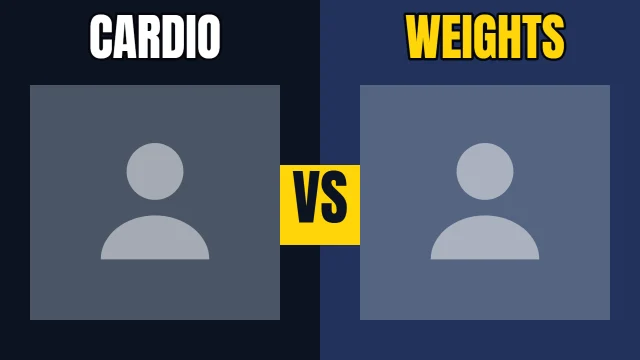
Head to Head gives cardio and weights, or two exercises, a slot each with a VS block between them. Use photos that show the movement, not just the equipment.
Use one quote for motivation videos
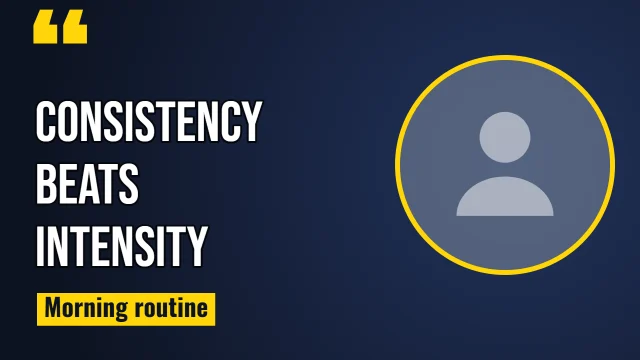
Quote Card sets a short line beside a round photo. A short, plain line reads better than a long motivational paragraph.
Clear the background
Gym backgrounds are full of edges. Shoot against a plain wall or crop in close, so the person is the only detailed thing in the frame.
Before you upload
The numbers on this page describe each template as it opens. Once your photo and words are in, run the finished thumbnail through Thumbnail Autopsy for the same five checks on your real design, and look at it next to other videos with the YouTube thumbnail preview.
Frequently asked questions
What makes a good fitness thumbnail?▼
A clear promise you can see: a progress pair, a number, or a demonstration of the movement, with two or three words that name the goal.
How should I photograph a transformation?▼
Use the same pose, distance, background and light for both photos, then put them in Then and Now. Matching photos make the change the only difference.
Should the numbers on the thumbnail be exact?▼
Yes. Only print a number the video backs up, like the reps you actually did. The sample numbers on these templates are placeholders for you to replace.
Do the measured results still hold after I add my photo?▼
They describe the template with its photo slots empty. A busy gym photo raises the edge numbers and can crowd the margins, so check the finished thumbnail in Thumbnail Autopsy.